Xtream Codes Player for iPhone & iPad
Log in with the Xtream Codes details from your IPTV provider and watch your live TV, movies and series on iPhone and iPad. Smart IPTV Pro Player organizes your account into clear sections, with no playlist file to manage.
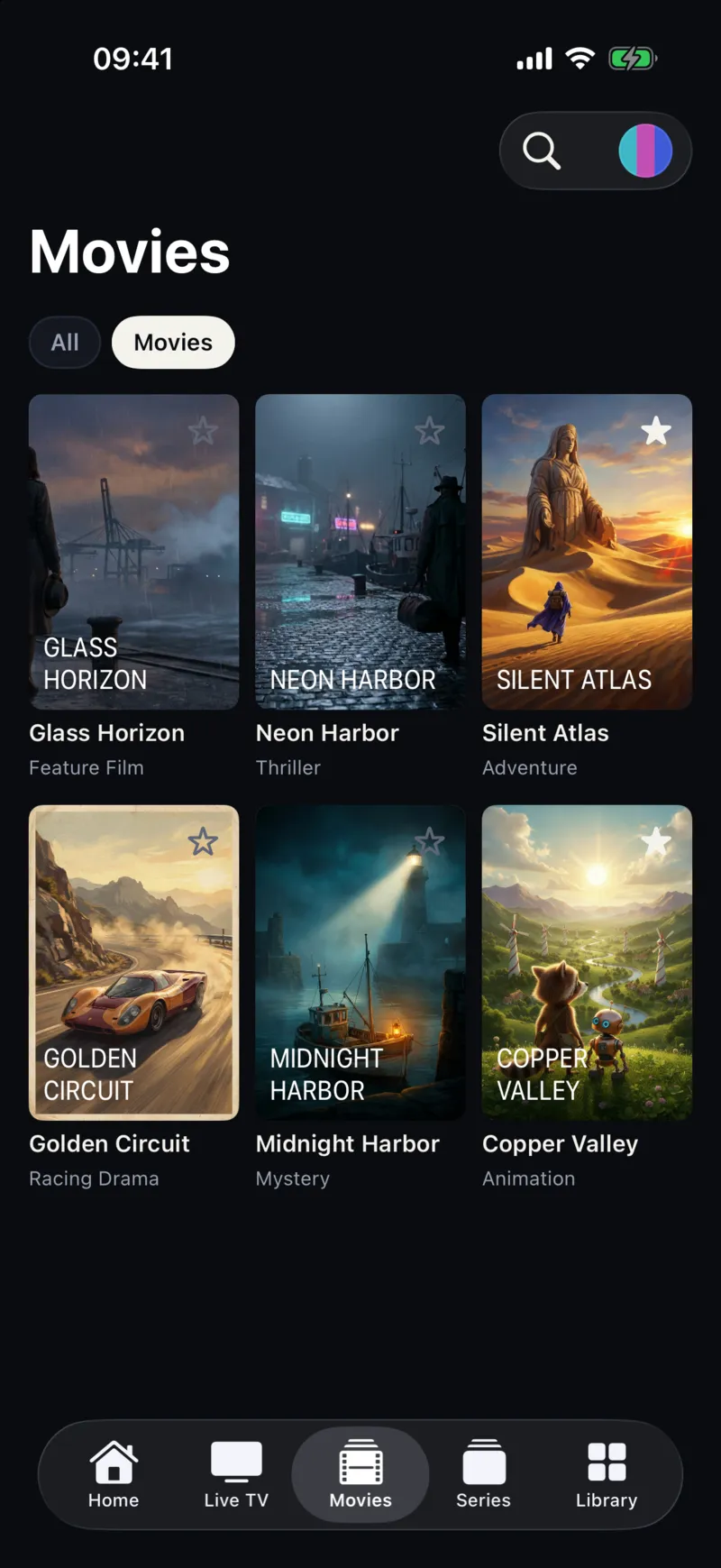
How to log in with Xtream Codes on iPhone
- Download Smart IPTV Pro Player from the App Store.
- Find the three Xtream Codes details your provider sent you: server URL, username and password.
- In the app, tap Add Playlist and choose Xtream Codes.
- Enter the server URL exactly as given, including
http://orhttps://and the port if there is one (for examplehttp://example.com:8080), then your username and password. - Save. Live TV, movies and series load into their own tabs.
Why use Xtream Codes instead of an M3U link
- Organized content – live channels, movies and series are delivered separately instead of in one long list.
- Easier updates – the app reads your account directly, so changes from your provider show up when the playlist refreshes.
- Fewer broken links – no long URL to copy, and the login stays the same when the provider updates the list.
If your provider only supplies an M3U link, use the M3U player option instead.
Features
- Live TV with category filters
- Movies and series in a poster grid
- Favorites and Continue watching
- Several Xtream Codes accounts as separate profiles
- Profile sync across iPhone and iPad when signed in
- Adaptive layouts for iPhone, iPad and iPhone Duo
Moving from another player
Your Xtream Codes login works in any compatible player, so you can switch without asking your provider for anything new. Coming from IPTV Smarters? Read moving from IPTV Smarters to Smart IPTV Pro Player.
Before you start
Smart IPTV Pro Player is a player only. It does not include an Xtream Codes account, channels or content. Use a login from a provider you are authorized to use.
Frequently asked questions
What do I need to log in with Xtream Codes?
Three details from your provider: the server URL (including the port if there is one), your username and your password.
Is Xtream Codes better than an M3U link?
Xtream Codes logins usually separate live TV, movies and series into their own sections and are easier to keep up to date. An M3U link works with almost every provider. If your provider offers both, try Xtream Codes first.
Does the app include an Xtream Codes subscription?
No. Smart IPTV Pro Player is a player. The login and the content come from a provider you are authorized to use.
Why does my Xtream Codes login fail?
Check the server URL for typos, include http:// or https:// and the port, and make sure your account has not expired or reached its connection limit.
