IPTV Player for iPad
Smart IPTV Pro Player is a native iPadOS app for your own IPTV playlist. Add an M3U link or an Xtream Codes login and watch live TV, movies and series on the larger screen.
Set up IPTV on iPad in three steps
- Download Smart IPTV Pro Player on your iPad. It is the same app as on iPhone.
- Tap Add Playlist and choose M3U (paste your playlist link) or Xtream Codes (server URL, username and password).
- Save, then browse live channels, movies and series.
Already using the app on iPhone? Sign in with the same account and your playlist profiles sync to the iPad.
Made for the iPad screen
- Native iPadOS interface – built with Apple’s own frameworks rather than a stretched phone layout.
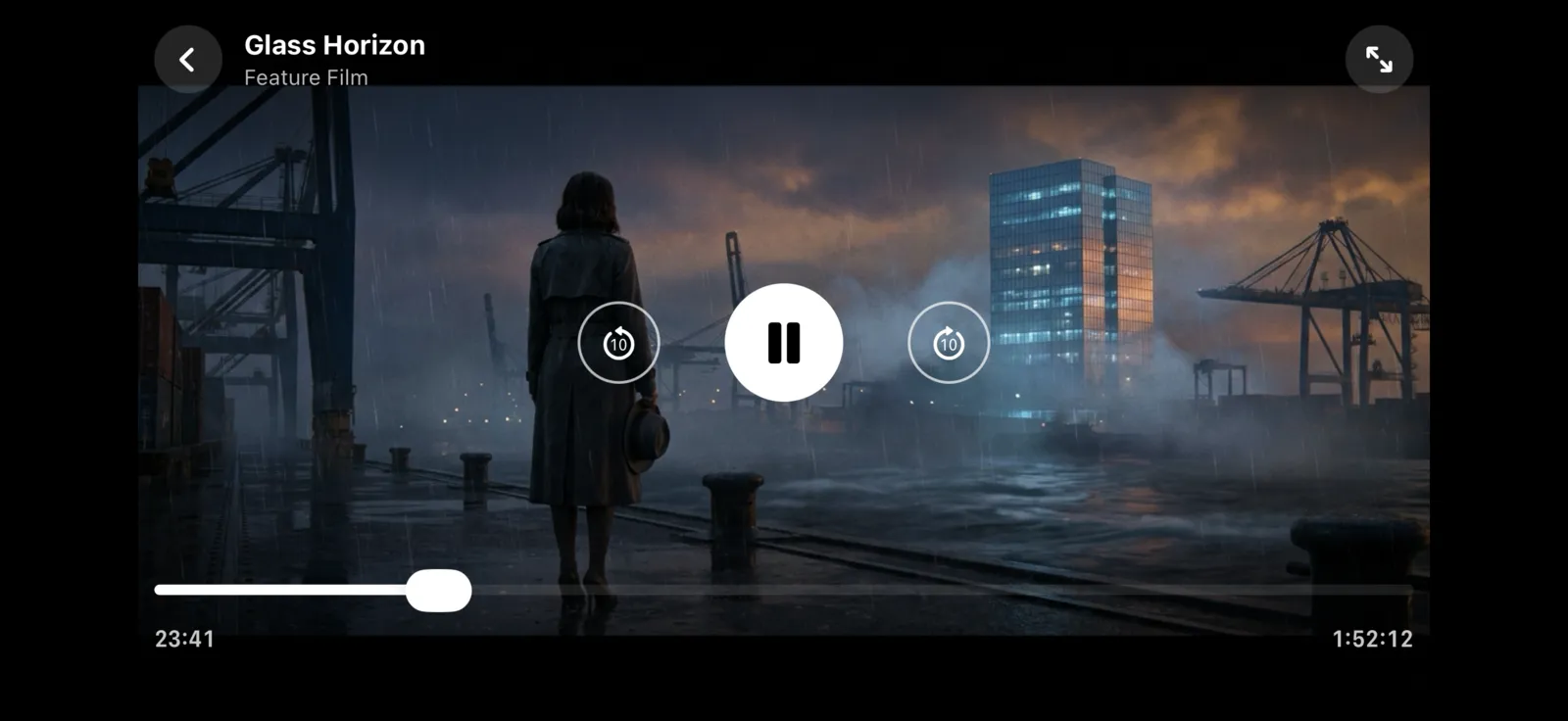
- Landscape playback – full-screen video with standard playback controls.
- Live TV categories – filter large channel lists by the groups in your playlist.
- Movies and series – poster grid for video-on-demand.
- Favorites and Continue watching – keep your most-used channels close and resume where you stopped.
Guides
Before you start
Requires iPadOS 18.0 or later. Smart IPTV Pro Player is a player only and does not include channels or an IPTV subscription. Your provider may limit how many devices can stream at the same time.
Frequently asked questions
Which iPad models are supported?
Any iPad that runs iPadOS 18.0 or later.
Do I need to buy the app again for iPad?
Smart IPTV Pro Player is one universal app for iPhone and iPad. Check the App Store listing and the purchase screen for current subscription terms.
Can I use the same playlist on iPhone and iPad?
Yes. Add the same M3U link or Xtream Codes login on each device. Your provider may limit how many devices can stream at the same time.
