Using Your IPTV Playlist on iPhone When Traveling
Prepare your authorized playlist before a trip, check provider access and understand mobile data use when watching on iPhone.
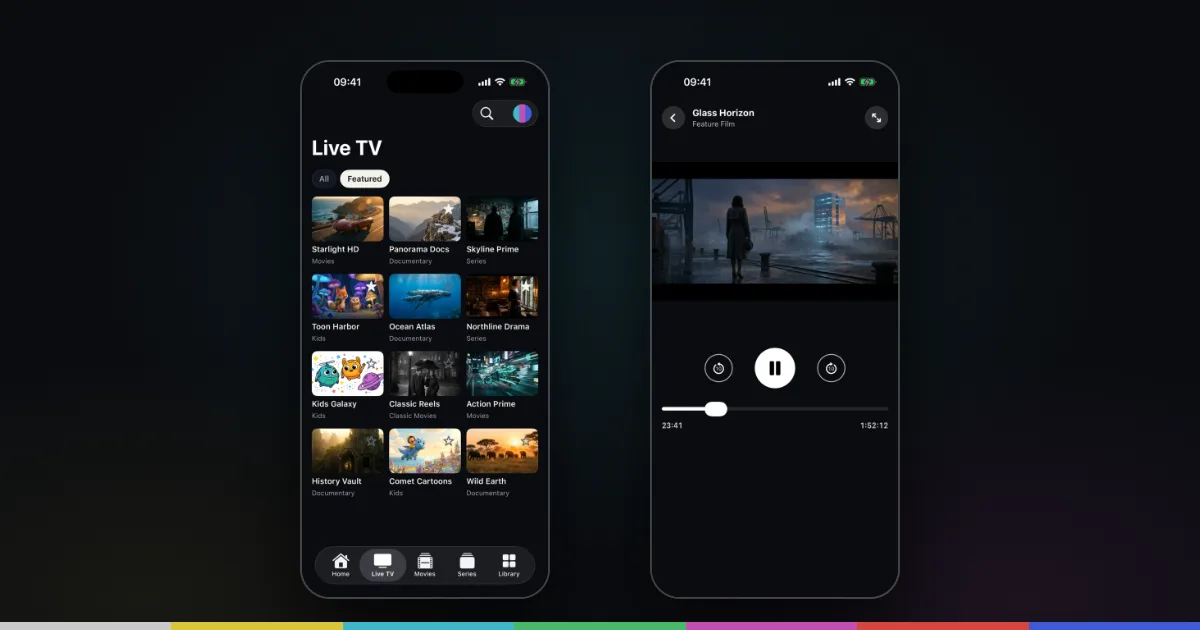
Test before leaving
Open your authorized playlist on the device you plan to take and confirm your account is active. Save your provider’s support information and check its rules for travel, regions and simultaneous connections. Do not assume that access available at home will be available everywhere. If you also take an iPad, see IPTV on iPad.
Separate language from access
The website provides guides in nine languages. That does not mean the app interface or your provider’s program information is translated into all nine. Changing your phone language does not alter content rights, provider coverage or the channels included in your account.
Plan for the network
Hotel and public Wi-Fi may require browser sign-in before apps can connect. Mobile video can consume a large part of a data allowance. Test a short session first and monitor data use. Use only networks and sources you trust; never post account credentials or full playlist links in public.
Reconnect only when necessary
Your existing M3U or Xtream Codes connection is still the starting point. If access fails while traveling, confirm the network works and ask your provider about account access. The buffering guide and loading troubleshooter help narrow it down. The player does not unlock regional restrictions or supply replacement channels.