M3U vs Xtream Codes: Differences and Which to Use on iPhone
Your IPTV provider may offer an M3U link, an Xtream Codes login, or both. They reach the same account but work differently. This comparison explains how each one works and helps you pick the right one for your iPhone or iPad.
The short answer
M3U and Xtream Codes are two ways of telling an IPTV player where your provider’s content is. An M3U link points to one text file that lists every stream. An Xtream Codes login is a server address, username and password that the player uses to ask the provider’s server for live channels, movies and series separately.
Most providers that offer one also offer the other, and both reach the same channels and titles on the same account. The difference is in how the content arrives on your iPhone: how well it is organized, how much information comes with it, how updates work and how your credentials are handled. If your provider gives you both and you just want a recommendation, Xtream Codes is usually the more comfortable choice for a large subscription, and M3U is the simpler one. The rest of this article explains why, so you can decide for your own setup.
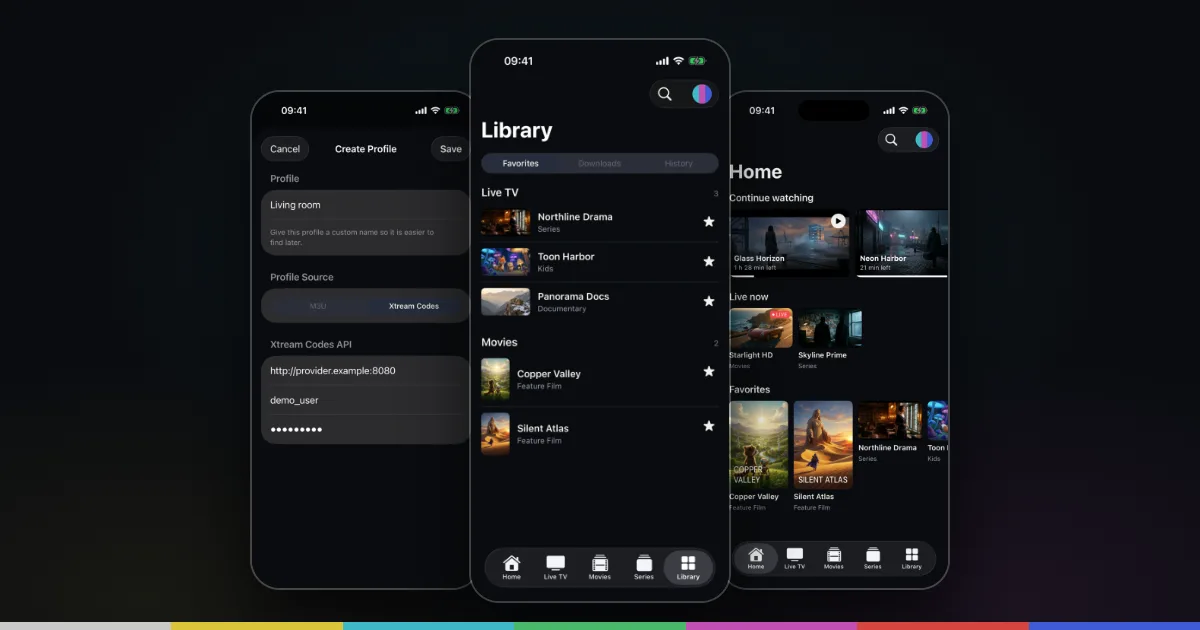
Either way, the player only plays what you bring. Smart IPTV Pro Player supports both source types on iPhone and iPad and contains no channels, playlists or IPTV service of its own.
How M3U works
M3U is an old, simple playlist format. The file starts with #EXTM3U, and each entry is two lines: an information line beginning with #EXTINF and then the stream address. The information line usually carries the display name and, in the extended “m3u_plus” style, attributes such as tvg-logo for a logo and group-title for the group the entry belongs to.
When you add an M3U source, the player downloads that whole file and reads it from top to bottom. Everything it knows about your subscription is whatever is written in those lines. With a provider that has thousands of channels and a large on-demand catalog, the file can be very big, and the player has to sort it into live channels, movies and series based on the clues in it.
Provider M3U links come in two shapes: a panel link such as http://example-server.com:8080/get.php?username=…&password=…&type=m3u_plus, or a direct file address ending in .m3u or .m3u8. The setup is covered step by step in how to add an M3U playlist on iPhone.
How Xtream Codes works
Xtream Codes is named after a server panel that many providers used. Its way of letting apps connect, often called the Xtream API, outlived the panel and is now widely supported. Instead of one file, the player logs in with three details: Host (for example http://example-server.com:8080), Username and Password.
After logging in, the player asks the server for specific lists: live categories and channels, movie categories and titles, series and their seasons and episodes. Because each request has its own answer, live TV, movies and series don’t have to be guessed from a single list. The server says which is which, and on-demand items often come with more detail, such as posters and episode structure, than a typical M3U line.
The login can also tell the player about your account itself, such as whether it is active. That is one reason login errors with Xtream are often clearer to diagnose: a rejected login points to the credentials or the account, while a failed M3U download can mean many things. The full walkthrough is in the Xtream Codes iPhone setup guide.
M3U vs Xtream Codes compared
The table below summarizes the practical differences. Exact results depend on the provider, since both formats only carry what the provider puts into them.
| Aspect | M3U playlist URL | Xtream Codes login |
|---|---|---|
| What you enter | One long link | Host, username and password |
| Setup effort | Paste once; easy to break when copying a long URL | Three fields; host format (scheme and port) must be right |
| Live, movies and series | Sorted from clues in one file; depends on how the playlist is built | Delivered separately by the server; usually cleaner |
| Categories | From group-title values, if present | Separate category lists for live, movies and series |
| Metadata | Name, logo and group at most | Often posters and season and episode structure for on-demand content |
| Updates | Whole file downloaded again on refresh | Lists requested again from the server on refresh |
| Credentials | Often inside the URL in plain text | Entered in separate fields |
| Works without an account login | Yes, for static .m3u files with a token or no login | No, always needs username and password |
A note on security
In a get.php link, your username and password sit in the URL itself. Anyone who sees the link, in a screenshot, a forum post, a browser history or a support message, can use your subscription. An Xtream login contains the same secrets, but you are less likely to paste it somewhere by accident because it is not one shareable link. Neither option protects you if the provider’s server uses plain http://, since the connection to that server is not encrypted in either case. Treat both like passwords and never share them publicly.
Which one to pick, and how to switch
Choose Xtream Codes if:
- your subscription includes a large movie and series catalog and you want it neatly separated from live TV
- you want posters and episode lists for on-demand content where the provider supplies them
- your M3U link keeps breaking when you copy it
Choose M3U if:
- your provider only offers a playlist link, or a static
.m3uor.m3u8file - you mainly watch live channels and a single list is enough
- you want the quickest possible setup with one paste
Switching is straightforward because you don’t lose the old source when you add a new one. If you have a get.php link, you already have Xtream details: the host is everything before /get.php, and the username and password are the values in the link. Add a new playlist, pick Xtream Codes, enter those three details and save. Once you are happy with the new profile, you can remove the old one with Delete Playlist, or keep it.
Using both as separate profiles
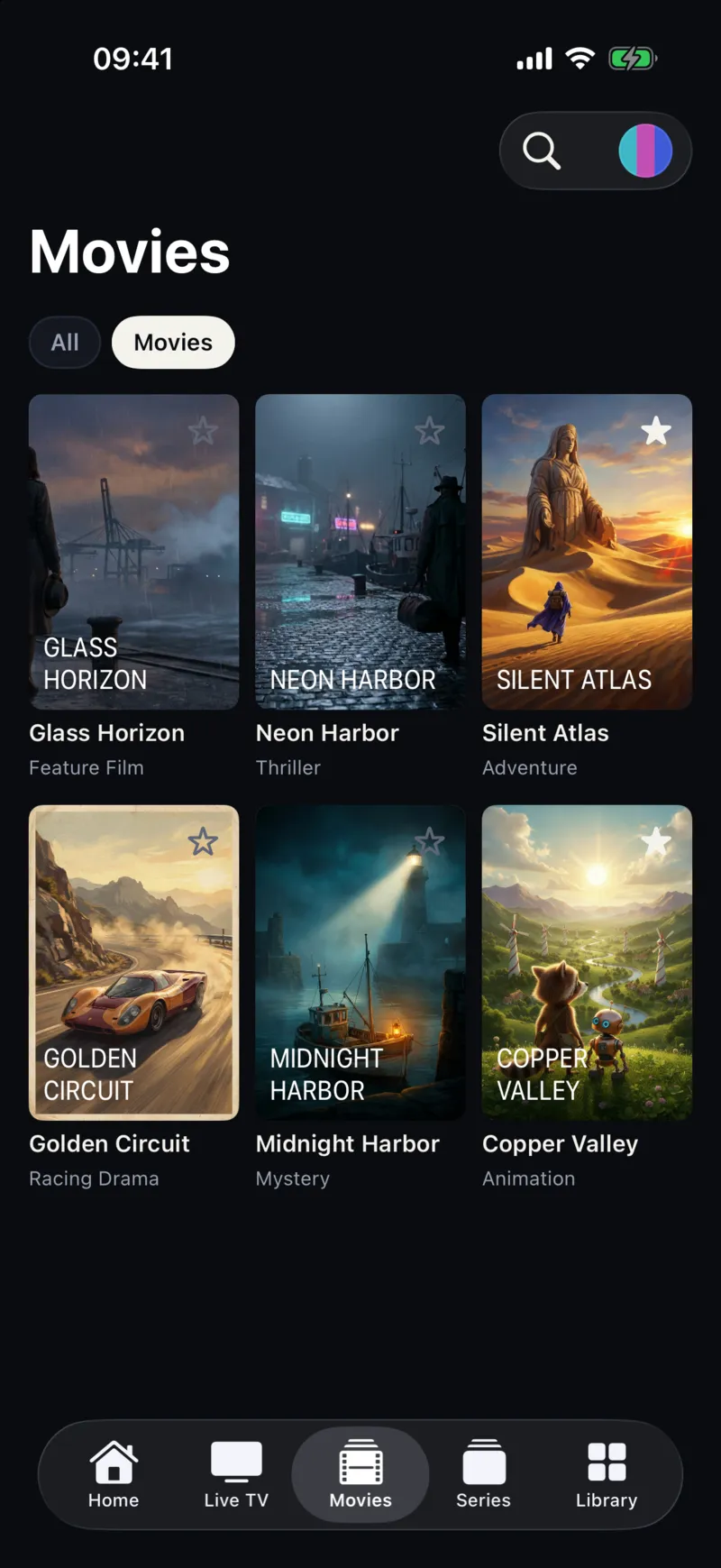
Each source in Smart IPTV Pro Player is saved as a profile with its own name, and you can keep several and switch from the playlist menu at the top of the screen. Some people keep one profile per provider, or an Xtream profile for their main service next to an M3U profile for a separate live-only package. Bear in mind that two profiles from the same account may count against the provider’s connection limit if both are playing at the same time. For current subscription terms in the app, check the App Store and the purchase screen.
Whichever you use, Settings → Refresh Interval (4, 12 or 24 hours) controls how often your sources are reloaded on launch, and signing in syncs your profiles to your other iPhone and iPad, as described in the privacy policy. For tips on large lists, see organizing an IPTV playlist on iPhone.
Frequently asked questions
Do M3U and Xtream Codes give me different channels?
Normally not. Both point to the same account at the same provider. Differences you notice are usually in organization and metadata, not in what you are subscribed to. If channels are missing in one format, ask the provider.
Is one faster or more stable than the other?
Playback goes through the same streams either way, so stability mostly depends on the provider’s servers and your network. Loading a very large M3U file can take longer than requesting lists from an Xtream server. For buffering, see IPTV performance tips for iPhone.
Can I import an M3U file instead of a link?
Not in the current app. M3U setup uses a URL, so ask your provider for the playlist link or Xtream details.
Which player supports both on iPhone?
Smart IPTV Pro Player supports M3U URLs and Xtream Codes logins on iPhone and iPad. See the M3U player and Xtream Codes player pages, or how to choose an IPTV player for iPhone. For help, visit Support.