What Is an M3U File? IPTV Playlists Explained
An M3U file is the playlist behind most IPTV subscriptions. It looks technical, but it is just a text list of names and stream addresses. This guide explains how it is built, what M3U8 means, why the list can be so large and why you should treat the link like a password.
What an M3U file is
An M3U file is a plain text playlist. It does not contain any video or audio itself. It contains a list of addresses, one per item, that tell a player where each stream or file can be found. The format is decades old and started as a way to list music tracks for desktop media players. Because it is simple and readable, IPTV providers adopted it to list live channels, movies and series episodes.
When someone says “send me your M3U” in an IPTV context, they usually mean a link to such a playlist rather than a file attached to a message. The provider generates the list for your account, and your player downloads it, reads it and turns it into channel lists, categories and posters you can browse.
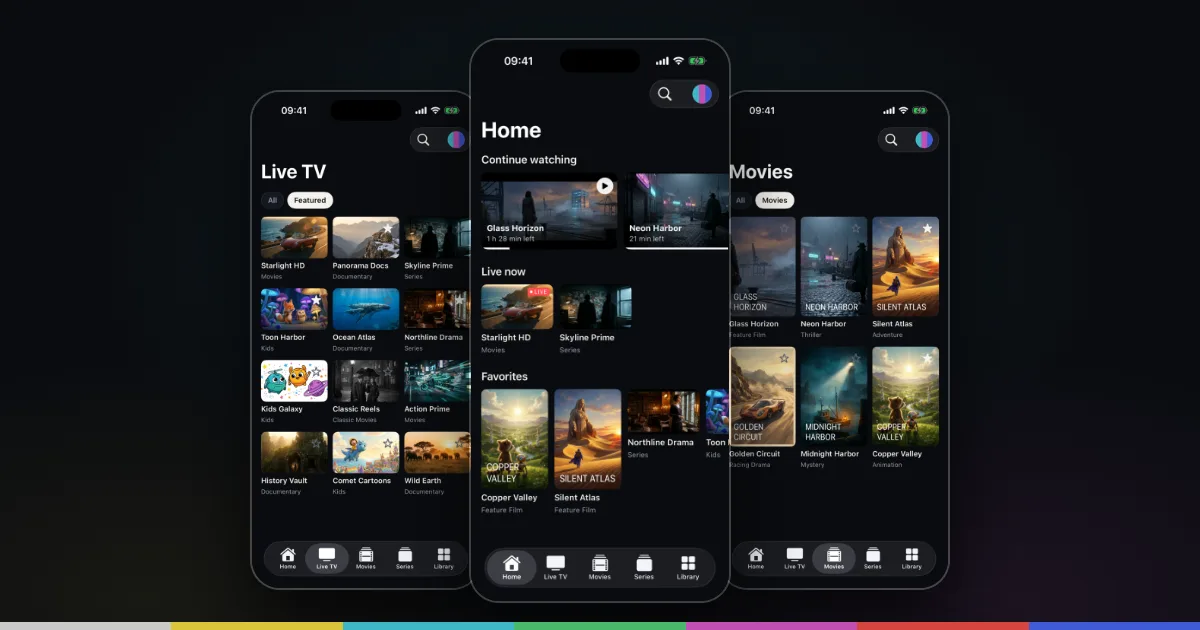
That also means an M3U playlist is only as good as what the provider writes into it. The player can display names, logos and groups only if they are in the file. Smart IPTV Pro Player, for example, is a player only: it reads the playlist you add from a provider you are authorized to use and contains no channels or playlists of its own.
Inside an IPTV playlist: the structure line by line
An extended M3U playlist follows a simple pattern. The very first line is a header:
#EXTM3U
After that, each item takes two lines. The first is an information line that starts with #EXTINF, and the second is the address of the stream. A typical IPTV entry looks like this:
#EXTINF:-1 tvg-id="news.example" tvg-name="Example News" tvg-logo="https://example.com/logos/news.png" group-title="News",Example News HD
http://example-server.com:8080/live/username/password/1234.ts
The -1 after #EXTINF: is a duration in seconds. In music playlists it holds the track length. For live streams the length is unknown, so IPTV playlists use -1. Everything after the last comma is the display name that a player shows in the list.
The common attributes
Between the duration and the comma, IPTV playlists often carry attributes in the form name="value". They are not part of a formal standard, but these four are widely used:
| Attribute | What it holds |
|---|---|
tvg-id | An identifier meant to match the channel to TV guide data |
tvg-name | The channel or title name as the provider defines it |
tvg-logo | The web address of a logo or poster image |
group-title | The group the entry belongs to, such as a country, genre or “Movies” |
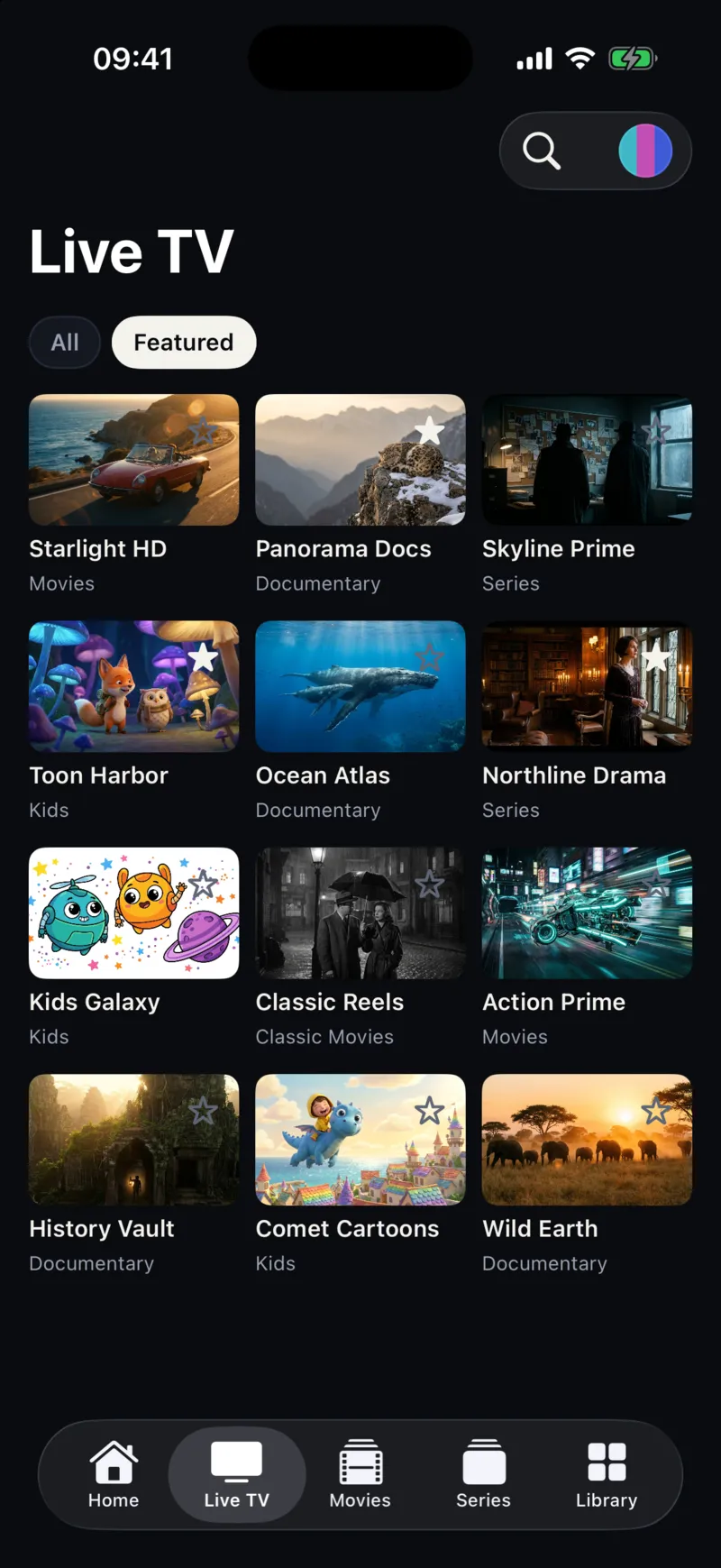
Players use group-title to build categories and tvg-logo to show artwork. In Smart IPTV Pro Player, groups from the playlist appear as filters under Categories, and content is sorted into Live TV, Movies and Series. The app does not show a TV guide, so tvg-id values are simply part of the file. If a playlist has no groups or logos, the list will look plainer, which is usually a sign of the playlist type rather than a fault. The difference between basic and extended playlist links is covered in m3u vs m3u_plus.
The stream URL line
The second line of each entry is the actual address the player opens when you tap the item. With most providers it includes the server, a port, your username and password and a stream number. Some end in .ts, some in .m3u8, and movie entries often end in a container extension such as .mp4 or .mkv. Which of those plays smoothly depends on the stream and the provider.
M3U vs M3U8: same idea, two meanings
The .m3u8 extension causes a lot of confusion because it is used for two different things.
First meaning: a UTF-8 playlist. The “8” originally just means the text is encoded as UTF-8, so names in any language, with accents, Cyrillic, Arabic or Chinese characters, display correctly. An IPTV channel list saved as .m3u8 is the same kind of list as an .m3u file, just with a defined text encoding.
Second meaning: an HLS playlist. Apple’s HTTP Live Streaming (HLS) also uses .m3u8 files, but for a different job. An HLS playlist does not list channels. It describes one stream: either a list of short video segments to play in order, or a list of quality versions of the same stream for the player to choose from. These files use tags that start with #EXT-X-, and a live HLS playlist is updated continuously as new segments are produced.
In practice, you can tell them apart by where you see them. If the provider gives you a link to “the playlist” and it opens as a long list of #EXTINF lines with channel names, it is a channel list. If an individual stream address inside that list ends in .m3u8, that address is an HLS stream for one channel, and the player handles it during playback. You only ever add the channel list as a source.
Local file vs playlist URL
An M3U playlist can exist as a file saved on a computer or phone, or as a URL that a server generates on request. Providers usually give you the URL form, either a panel link such as http://example-server.com:8080/get.php?username=…&password=…&type=m3u_plus or a direct address ending in .m3u or .m3u8.
Smart IPTV Pro Player uses the URL. When you tap Add Playlist, choose M3U and paste the link into the M3U URL field, the app downloads the list itself. Importing an M3U file from the Files app is not supported. The URL approach has a practical advantage: when the provider changes channels or adds titles, the app can download the updated list again. Under Settings → Refresh Interval you can choose 4, 12 or 24 hours, and the app refreshes the playlist on launch once that interval has passed. Refresh Playlist in Settings does it immediately.
If you only received a file and no link, ask your provider for the playlist URL or for Xtream Codes details. The full setup is in how to add an M3U playlist on iPhone, and the M3U player for iPhone page gives an overview.
Why IPTV playlists can be huge
Every channel, movie and series episode needs its own two lines. A subscription with a few thousand live channels and a large on-demand catalog can easily produce a playlist with tens of thousands of entries, and the file can run to many megabytes of text.
That size has consequences on a phone:
- Loading takes longer. The whole file has to download before the player can read it, and parsing a very large list takes extra time. Give it a moment before cancelling.
- Slow servers show up here first. If the provider’s server is busy, a large download may time out even though the link is correct.
- Browsing is harder. Thousands of entries are only manageable with good groups, search and favorites.
Search in Smart IPTV Pro Player works across live TV, movies and series, and Settings → Search → Title Matching lets you choose Contains or Exact. Tapping the star on a channel, movie or series adds it to Favorites. For more ideas, see how to organize an IPTV playlist on iPhone. If your provider also offers an Xtream Codes login, it can be a better fit for very large subscriptions because live TV, movies and series are requested separately; the trade-offs are explained in M3U vs Xtream Codes.
Privacy: your login is often inside the link
A provider’s M3U link frequently contains your username and password in plain text, either as username= and password= values or as part of the path. The stream addresses inside the file usually repeat them for every entry. Anyone who gets the link or the file can use your subscription, which can also cause “maximum connections” errors for you.
- Do not post the link, or screenshots of it, in forums, reviews or group chats.
- Blank out credentials before sending a link to anyone for troubleshooting.
- Prefer
https://when your provider supports it. With plainhttp://, the connection to that server is not encrypted. - If you think your link has leaked, ask your provider to change your password, then update the profile with Edit Playlist.
In Smart IPTV Pro Player you can use the app without an account. If you sign in with Apple or Google, your playlist profiles and preferences sync across your iPhone and iPad, as described in the privacy policy.
Frequently asked questions
Can I open an M3U file on iPhone without a player app?
Safari may download it or show it as text, but it will not turn the list into channels you can browse. You need an IPTV player that reads the playlist. A link that loads in Safari is a good sign the player can load it too.
Is an M3U file legal?
The format itself is just text and is used for all kinds of media. What matters is the content it points to and whether you are authorized to watch it. See is IPTV legal? for more.
Does Smart IPTV Pro Player come with M3U playlists?
No. It is a player only and includes no channels, playlists or IPTV service. You add a source from a provider you are authorized to use. During onboarding you can choose “Try a sample stream” to see how playback works.
What if my M3U link does not load?
Check the link character by character, open it in Safari and confirm your account is active. The full checklist is in M3U playlist not working on iPhone, and Support can help with app questions.