IPTV Glossary: 30 Terms Explained in Plain English
IPTV comes with a lot of jargon, and provider messages rarely explain it. This glossary defines 30 common terms in plain English, in alphabetical order, and notes where each one shows up when you use an IPTV player on iPhone or iPad.
A to C: from bitrate to connection limit
Bitrate
The amount of data a stream uses per second, usually given in megabits per second (Mbps). Higher bitrates generally mean sharper pictures but need a faster, steadier connection. A 4K stream uses far more data than a standard-definition one, which matters on mobile data. See IPTV data usage on iPhone.
Buffering
The pause that happens when a player runs out of downloaded video and waits for more. It is usually caused by a slow or unstable network, a busy provider server or a stream with a bitrate your connection cannot sustain. No player can remove buffering entirely; IPTV performance tips for iPhone covers what you can check.
Catch-up
A provider feature that lets you watch live programs that already aired, for a limited period, usually picked from a TV guide. It needs support from both the provider and the player. Smart IPTV Pro Player does not currently offer catch-up.
Category
A group of channels or titles, such as a country, a genre or “Sports”. In M3U playlists, categories come from the group-title attribute; with Xtream Codes, the server sends category lists. In Smart IPTV Pro Player they appear as filters under Categories.
Codec
The method used to compress and decompress video or audio. Common video codecs in IPTV include H.264 and H.265 (HEVC). A stream can only play if the player supports its codec. Smart IPTV Pro Player plays common IPTV stream formats with the native iOS player plus a VLC-based engine, but no player can promise every stream will play.
Connection limit
The number of devices or streams that can use one IPTV account at the same time, set by the provider. If you exceed it, you may see a “max connections” error or streams that stop. Two playlist profiles from the same account count separately if both are playing. See max connections reached.
D to G: from DNS to group-title
DNS
The Domain Name System translates a server name such as example-server.com into the numeric address a device connects to. When a provider changes servers, an old name may stop working. Providers often call a new server address “a new DNS”, which in practice means a new host to enter in your player.
EPG
Electronic Program Guide: a schedule showing what is on each channel now and later, usually supplied as a separate XMLTV file and matched to channels by tvg-id. Smart IPTV Pro Player does not currently show an EPG or TV guide.
Expiry date
The date an IPTV subscription ends. After it, the provider usually rejects logins or stops streams, which can look like an app error. Xtream Codes accounts often report the expiry date to the player on login. See IPTV subscription expired.
Group-title
The M3U attribute that assigns an entry to a group, for example group-title="News". Players use it to build categories. Playlists created with type=m3u_plus usually include it; basic type=m3u lists often do not.
H to L: from HLS to live TV
HLS
HTTP Live Streaming, a streaming method created by Apple. The video is split into short segments listed in an .m3u8 playlist, and the player downloads them in order, sometimes switching between quality levels. Many IPTV providers can deliver streams as HLS.
Host
The server address of an IPTV provider, including the scheme and often a port, for example http://example-server.com:8080. It is one of the three fields of an Xtream Codes login, along with username and password. A wrong scheme or a missing port is a common setup mistake.
HTTP and HTTPS
The protocols used to fetch playlists and streams. HTTPS encrypts the connection; plain HTTP does not, so anyone on the same network path could in theory see the addresses, including credentials in the URL. Use whichever your provider specifies, and prefer HTTPS when it is offered.
IPTV
Internet Protocol Television: TV channels and on-demand video delivered over the internet instead of cable, satellite or antenna. The term covers the technology, not a specific service. For the basics on Apple devices, see what is IPTV on iPhone.
Live TV
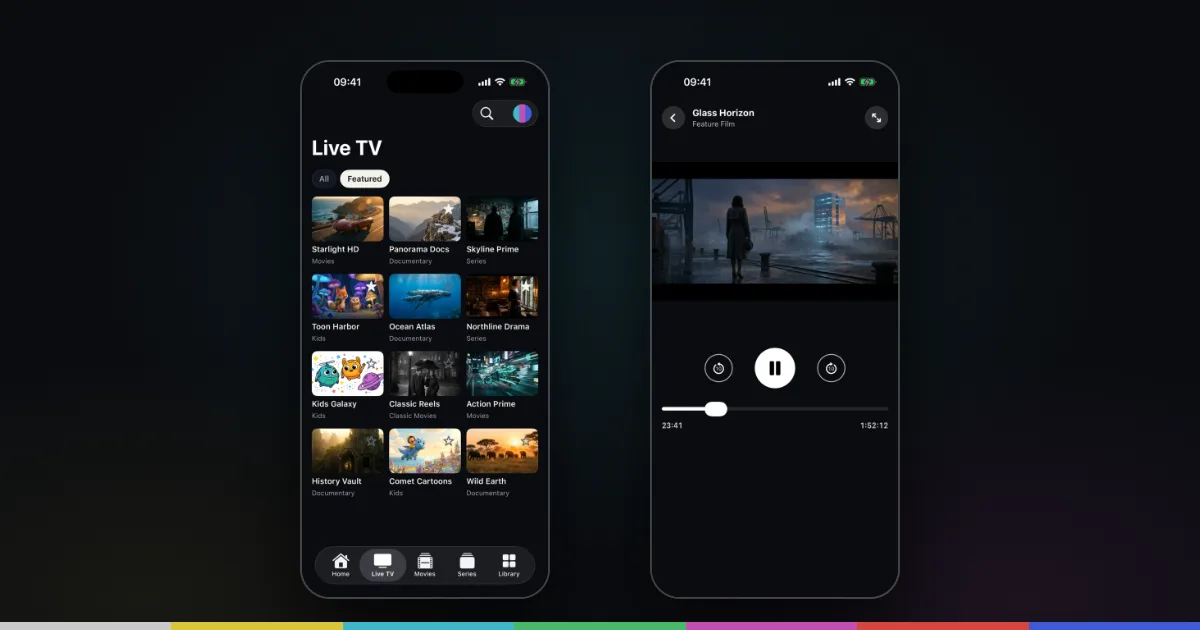
Channels that stream continuously in real time, as opposed to on-demand titles you start from the beginning. In Smart IPTV Pro Player, Live TV is one of the three content sections, next to Movies and Series, and Home shows a “Live now” row.
M to P: from M3U to provider
M3U
A plain text playlist format. An IPTV M3U playlist starts with #EXTM3U and lists each item as an #EXTINF information line followed by the stream address. The full breakdown is in what is an M3U file.
M3U8
An extension with two meanings. It can be an M3U playlist saved as UTF-8 text, so names in any language display correctly. It is also the file type for HLS playlists that describe the segments or quality levels of one stream. A channel list and an HLS stream can both end in .m3u8.
m3u_plus
A value of the type parameter in provider playlist links (type=m3u_plus). It usually returns an extended playlist with logos, groups and names for each entry. Compare it with type=m3u in m3u vs m3u_plus.
Panel and reseller
A panel is the server software a provider uses to manage accounts and generate playlists and logins. A reseller is someone who sells accounts on a provider’s panel. If you bought from a reseller, they are usually your first contact for account and server issues.
Player
An app that plays streams from a source you add. A player is not a provider: it includes no channels or subscriptions. Smart IPTV Pro Player is a player for iPhone and iPad that works with M3U playlist URLs and Xtream Codes logins from a provider you are authorized to use.
Port
The number after the colon in a server address, such as :8080 in http://example-server.com:8080. It tells the device which service on the server to connect to. If the provider’s address includes a port, it must be entered exactly.
Portal
A login method used mainly by set-top boxes, where the device connects to a portal address and is identified by its MAC address. Smart IPTV Pro Player does not connect through portals; it uses M3U playlist URLs or Xtream Codes logins. Ask your provider whether they offer either.
Profile
In Smart IPTV Pro Player, each source you add is saved as a profile with its own name. You can keep several and switch from the playlist menu at the top of the screen. Some features, such as more than one playlist, may need a subscription; see managing IPTV playlists on iPhone.
Provider
The company or service that sells the IPTV subscription and runs the servers. It supplies your M3U link or Xtream login and is responsible for the channels, their quality and account issues. Whether a provider is legitimate matters; see is IPTV legal?
R to X: from refresh interval to Xtream Codes
Refresh interval
How often a player reloads your playlist to pick up new channels and titles. In Smart IPTV Pro Player, Settings → Refresh Interval offers 4, 12 or 24 hours, and the app refreshes on launch once the interval has passed. Refresh Playlist updates it right away.
Stream URL
The address a player opens to play one channel, movie or episode. In an M3U playlist, it is the line after each #EXTINF. Provider stream URLs usually contain your username and password, so do not share them.
TS (transport stream)
MPEG transport stream, a container format designed for broadcast and widely used for live IPTV. Stream addresses ending in .ts usually deliver it as one continuous stream. In playlist links, output=ts often requests this form; whether it suits a stream better than HLS depends on the provider.
tvg-id, tvg-name and tvg-logo
Attributes in an #EXTINF line. tvg-id is an identifier meant to link a channel to guide data, tvg-name is the provider’s name for the entry and tvg-logo is the address of a logo or poster image that players can display.
VOD
Video on demand: movies and series episodes you start whenever you like, rather than live channels. In Smart IPTV Pro Player, VOD appears under Movies and Series, and you can resume where you stopped with “Continue from mm:ss?”.
Xtream Codes API
A login method named after a provider panel. Instead of one playlist file, the player signs in with a host, username and password and requests live TV, movies and series separately. Setup is covered in the Xtream Codes iPhone setup guide and on the Xtream Codes player page.
Frequently asked questions
What is the difference between an IPTV player and an IPTV provider?
The provider sells the subscription and runs the servers. The player is the app that plays what the provider supplies. Smart IPTV Pro Player is a player only and includes no channels, playlists or IPTV service.
Do I need M3U or Xtream Codes?
Either works if your provider offers it. M3U is one link; Xtream Codes is a host, username and password and usually gives cleaner separation of live TV, movies and series. See M3U vs Xtream Codes.
Does Smart IPTV Pro Player support EPG or catch-up?
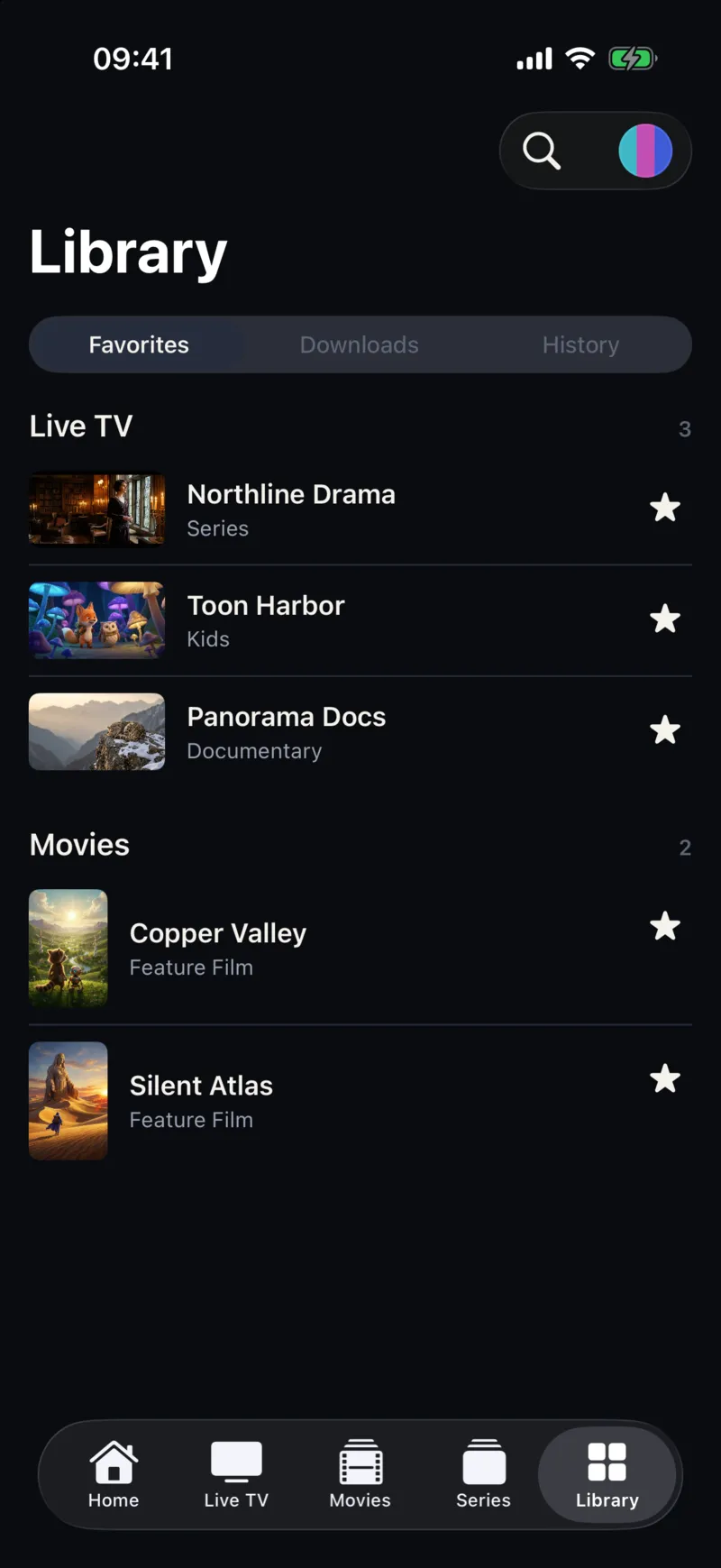
Not at the moment. The app focuses on playlists, Live TV, Movies and Series, search, favorites and watch history. For current features, see the home page or the M3U player for iPhone page.
Where can I get help with a term or error that is not listed?
Account and server errors usually need your provider. For questions about the app itself, visit Support or email [email protected].